


Latest Version
Ballard App Craftery
Windows
Free
9nblggh20cmn
Report a Problem
More About EML Opener
While modern email clients are excellent for daily communication, retrieving archived correspondence saved in the standard .EML format can be a frustrating obstacle. Many users find themselves needing to open an old archive only to realize their current mail configuration doesn't support the file type without complex setups. The EML Opener email viewer solves this specific problem by serving as a dedicated, lightweight utility designed solely to open and read your .EML files on Windows without bloating your operating system.
The Simplicity of an EML Opener Email Viewer
Unlike heavy productivity suites that require account configurations, sync cycles, and server setups, this application focuses entirely on rapid file access. Developed by Ballard App Craftery, the utility features a clean, single-purpose interface centered around one primary action: importing and displaying your email files. It eliminates the friction of navigating nested menus or configuring incoming mail servers just to read a single archived message.
Key Features of the Utility
- Universal Archive Support: Seamlessly render .EML files generated by a wide variety of platforms, including Microsoft Outlook, Outlook Express, Windows Live Mail, Thunderbird, and Apple Mail.
- Automatic Attachment Handling: Any files attached to your archived emails are automatically extracted and saved directly to your local Downloads folder for easy access.
- System-Friendly Design: A minimal digital footprint ensures your system resources remain uncluttered, making it an excellent utility for older or resource-constrained Windows devices.
- Zero Hidden Costs: This tool offers its full feature set without in-app purchases, locked features, or usage limitations.
Who is This Tool For?
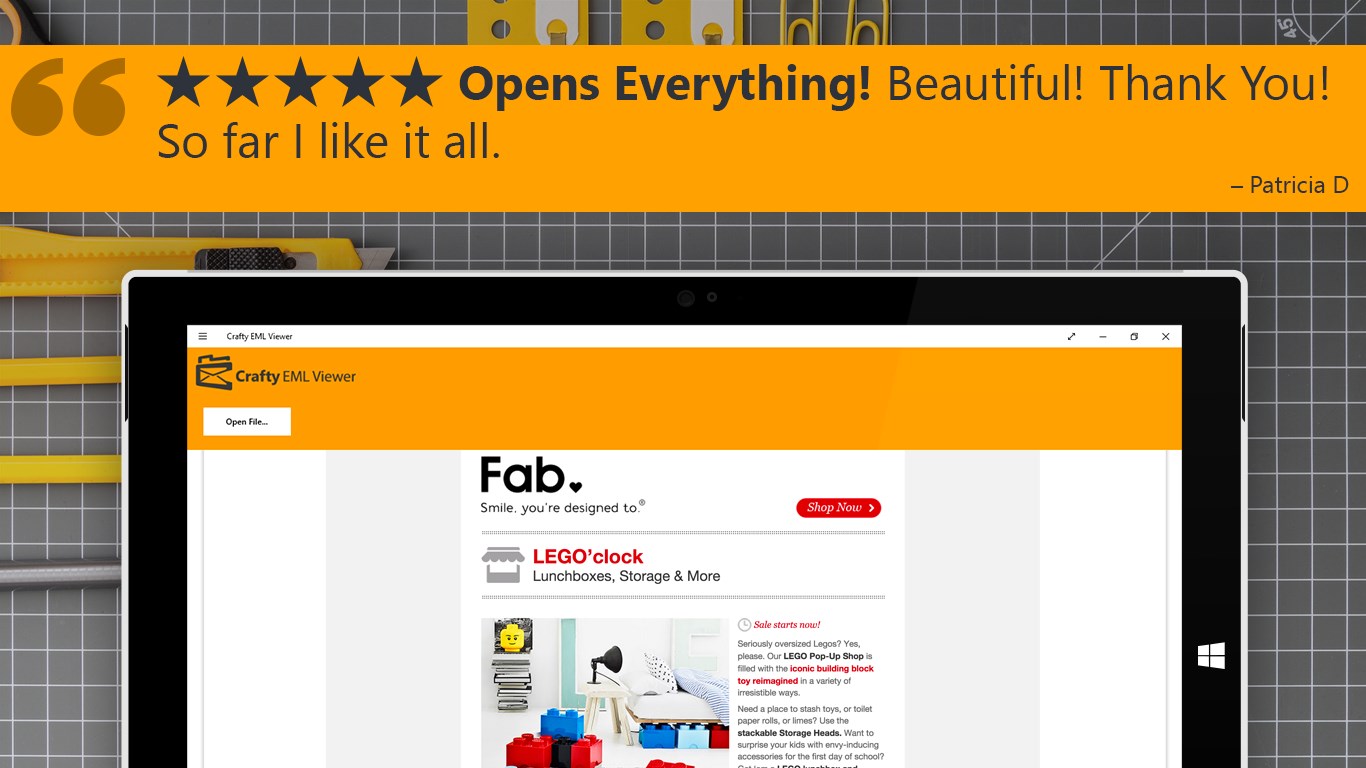
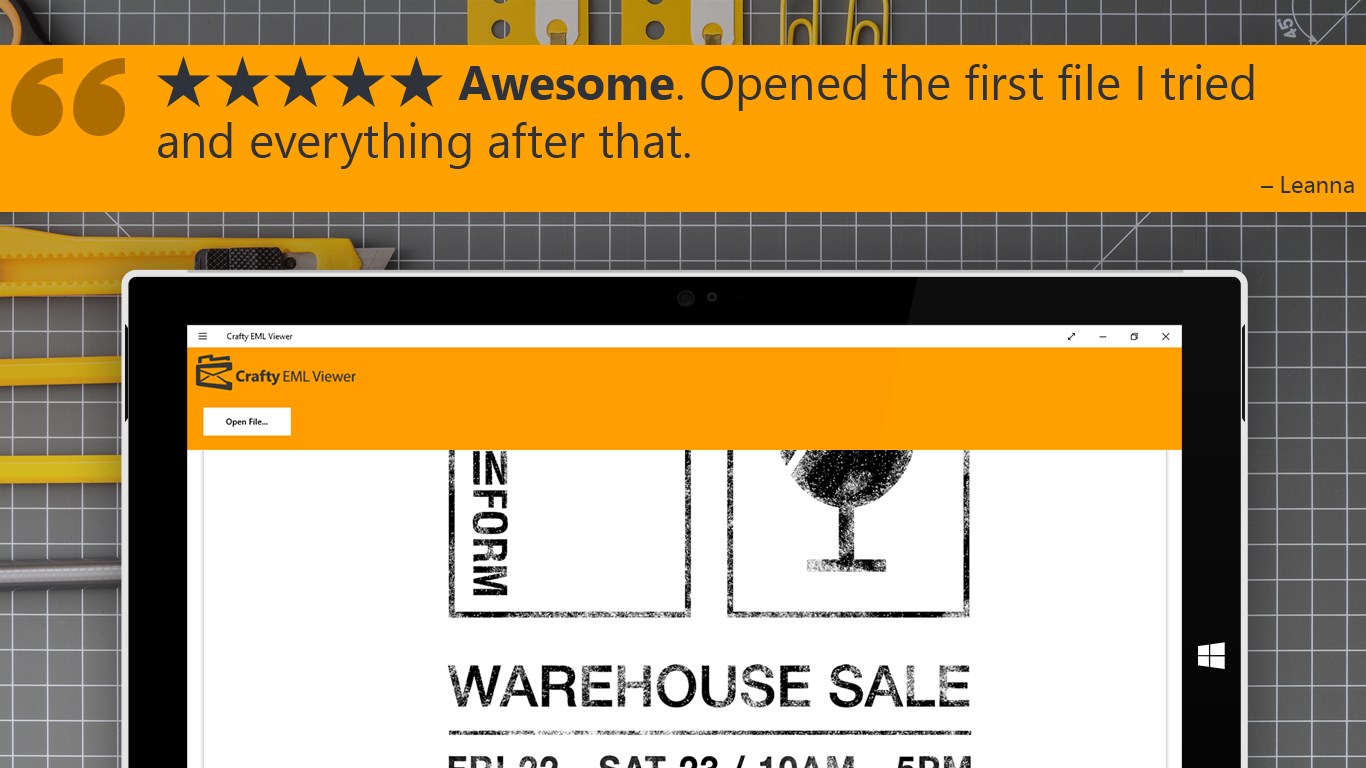
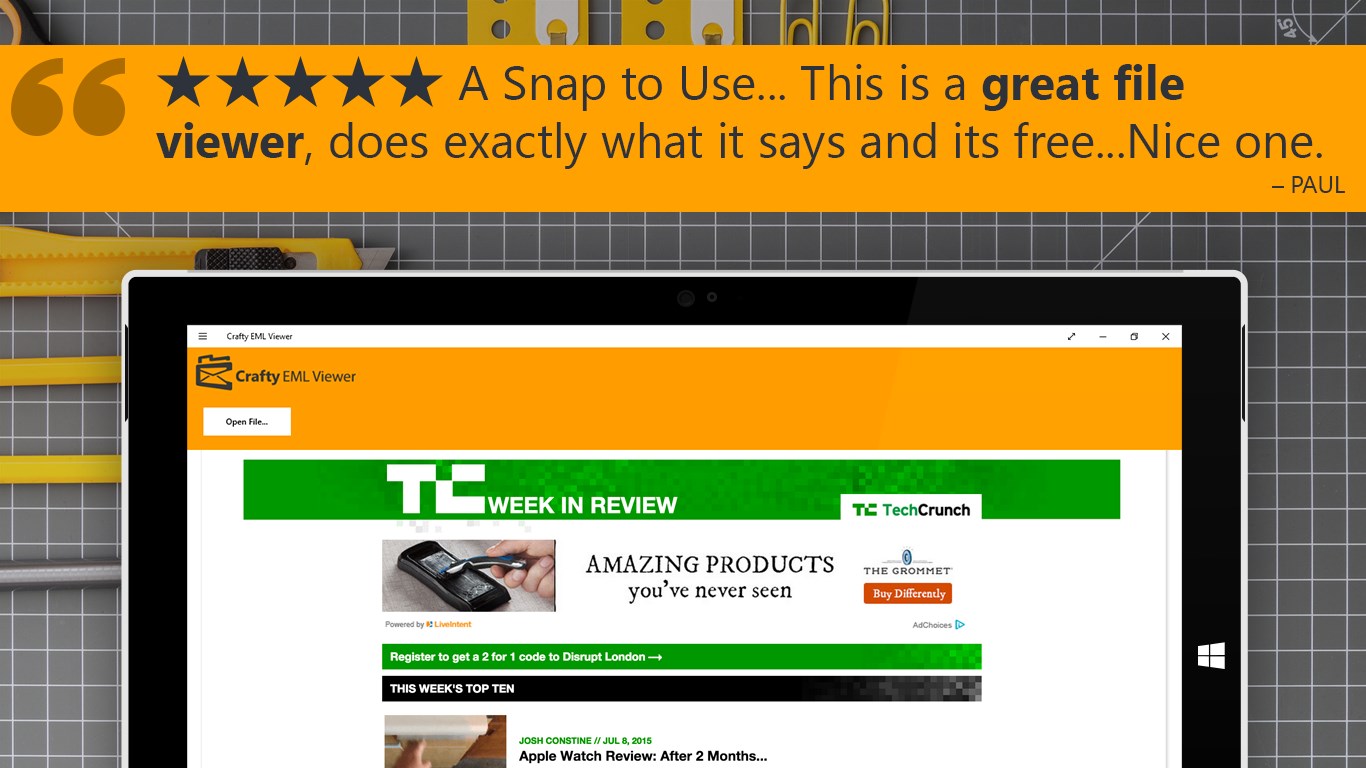
This software is ideal for professionals, researchers, or anyone migrating away from older email clients who still need to reference historical communications. Instead of maintaining legacy software installations or relying on insecure online converters, users can run this local EML Opener email viewer to review correspondence securely. It preserves the original formatting of the messages, showing them exactly as they appeared when first received.
Our Editorial Verdict
For Windows users seeking a straightforward, single-purpose solution to access archived email formats, this app delivers on its promises without unnecessary complexity. If you have a collection of older files waiting to be read, you can find the application available on its official distribution platform. To try it out on your device, head over to the official Microsoft Store to acquire the app securely.
Rate the App
User Reviews












Popular Apps










Editor's Choice