

Latest Version
Anton Isaiev
Linux
Free
io.github.totoshko88.RustConn
Report a Problem
More About RustConn
Managing multiple remote environments can quickly turn into a chaotic juggling act for system administrators and DevOps engineers. RustConn Linux connection manager addresses this challenge head-on by providing a unified, high-performance workspace to organize and execute SSH, RDP, VNC, and cloud-native sessions without external dependencies.
A Unified Workspace for Modern Systems Administration
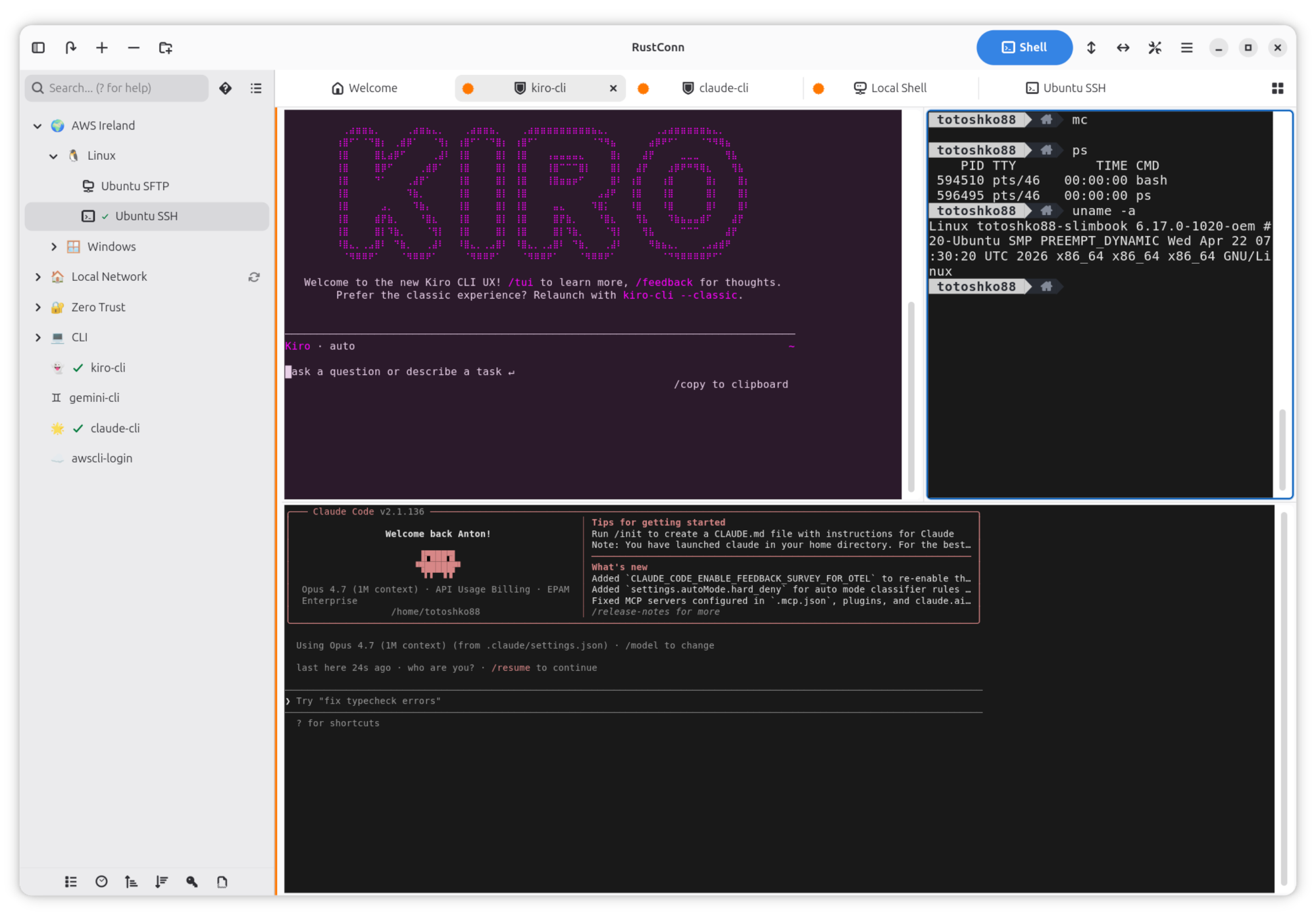
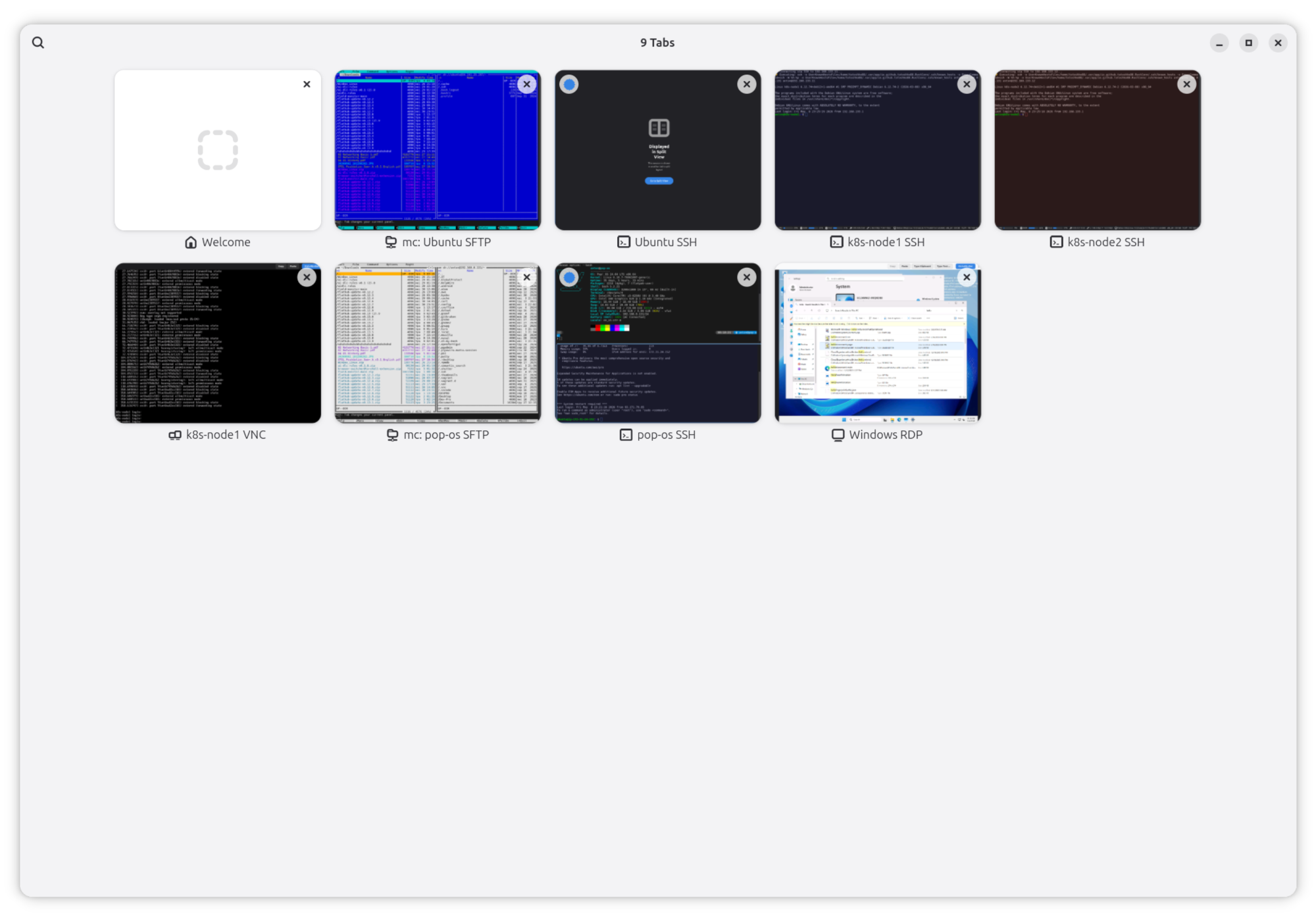
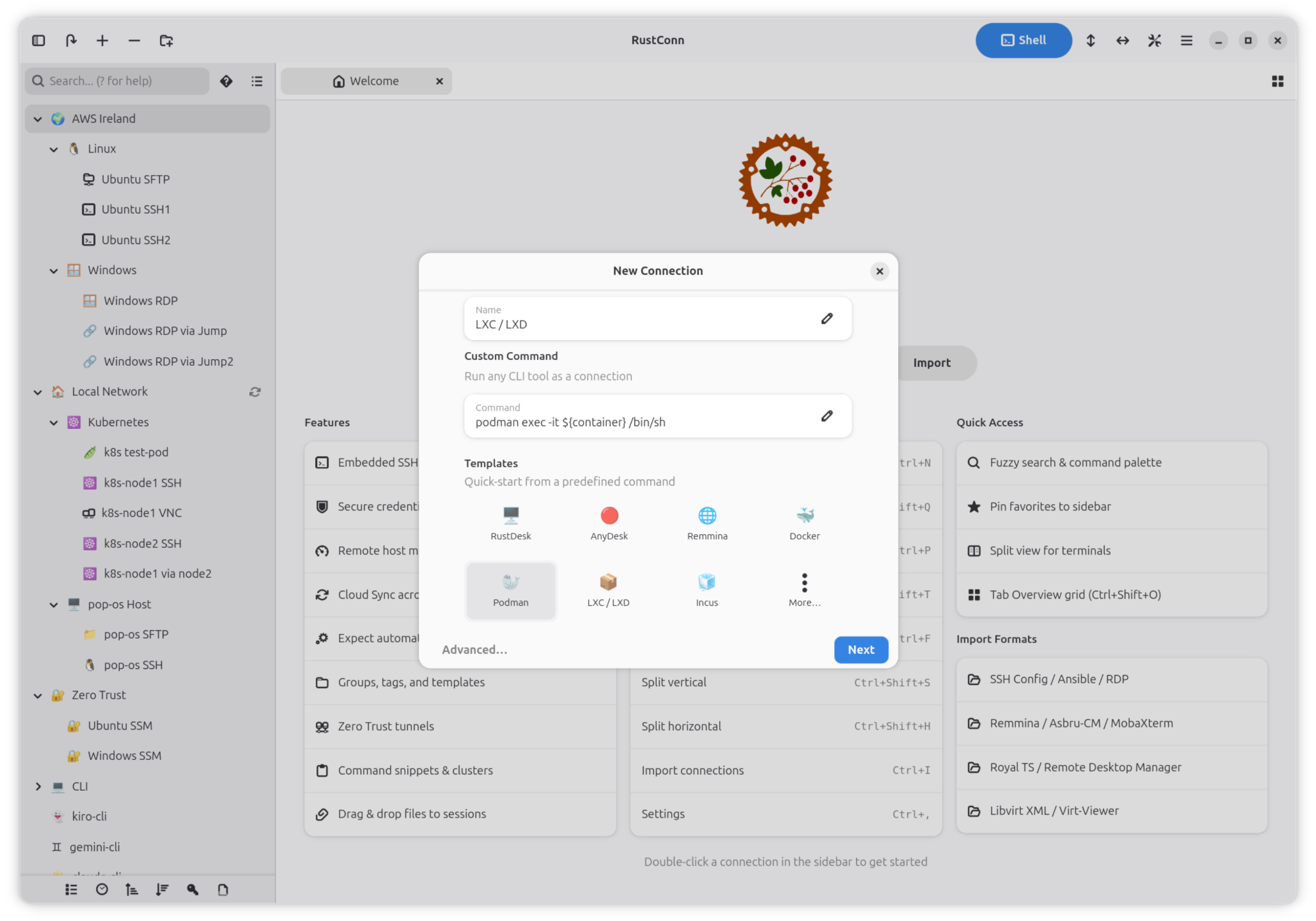
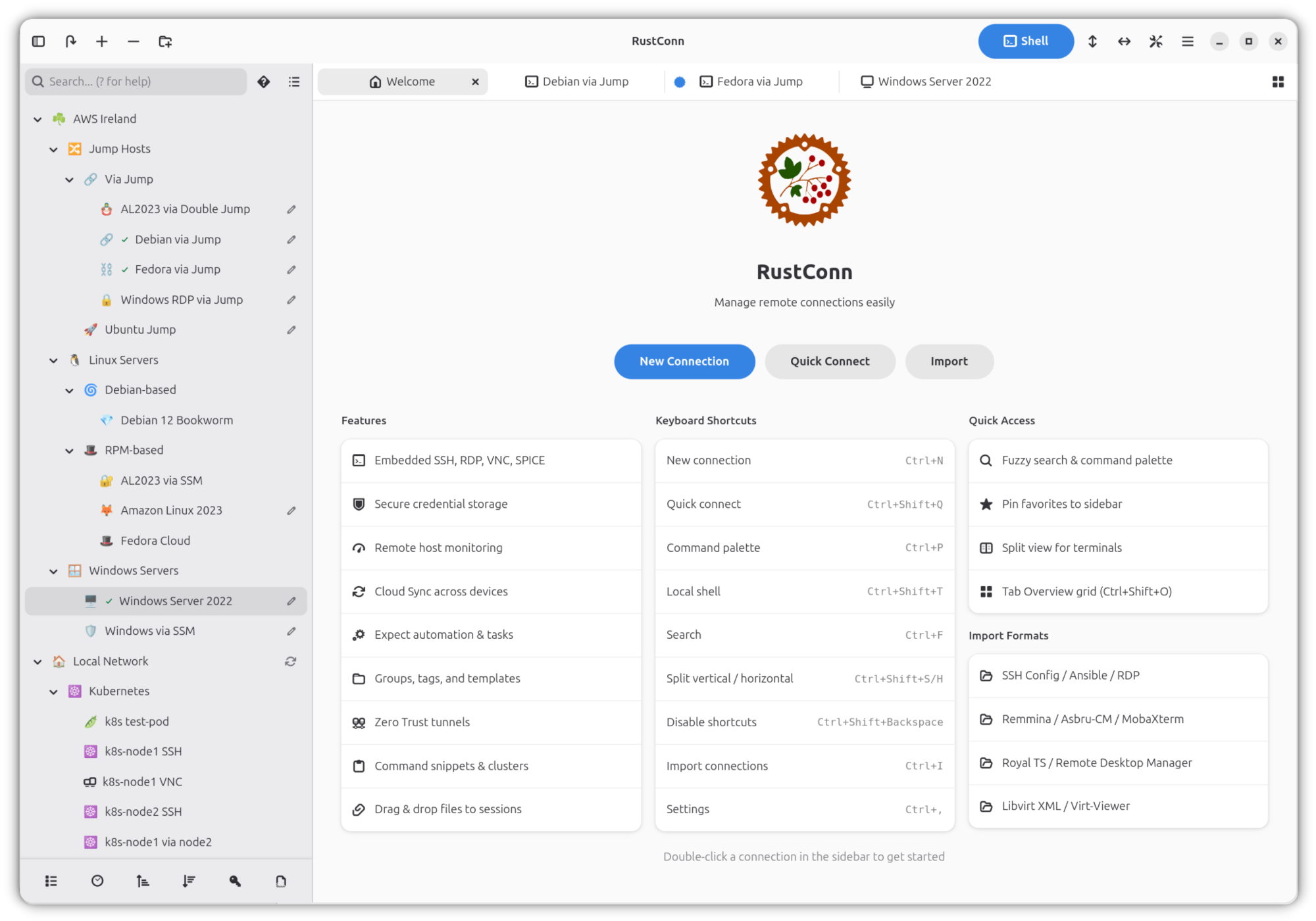
The core strength of the RustConn Linux connection manager lies in its ability to consolidate fragmented workflows. Instead of maintaining separate terminal windows, remote desktop clients, and cloud access portals, users can manage their entire infrastructure from a single, cohesive interface. The application native-feeling environment allows you to organize connections using a flexible system of groups and tags, making it easy to navigate complex multi-server environments.
Robust Protocol Support and Zero Trust Integration
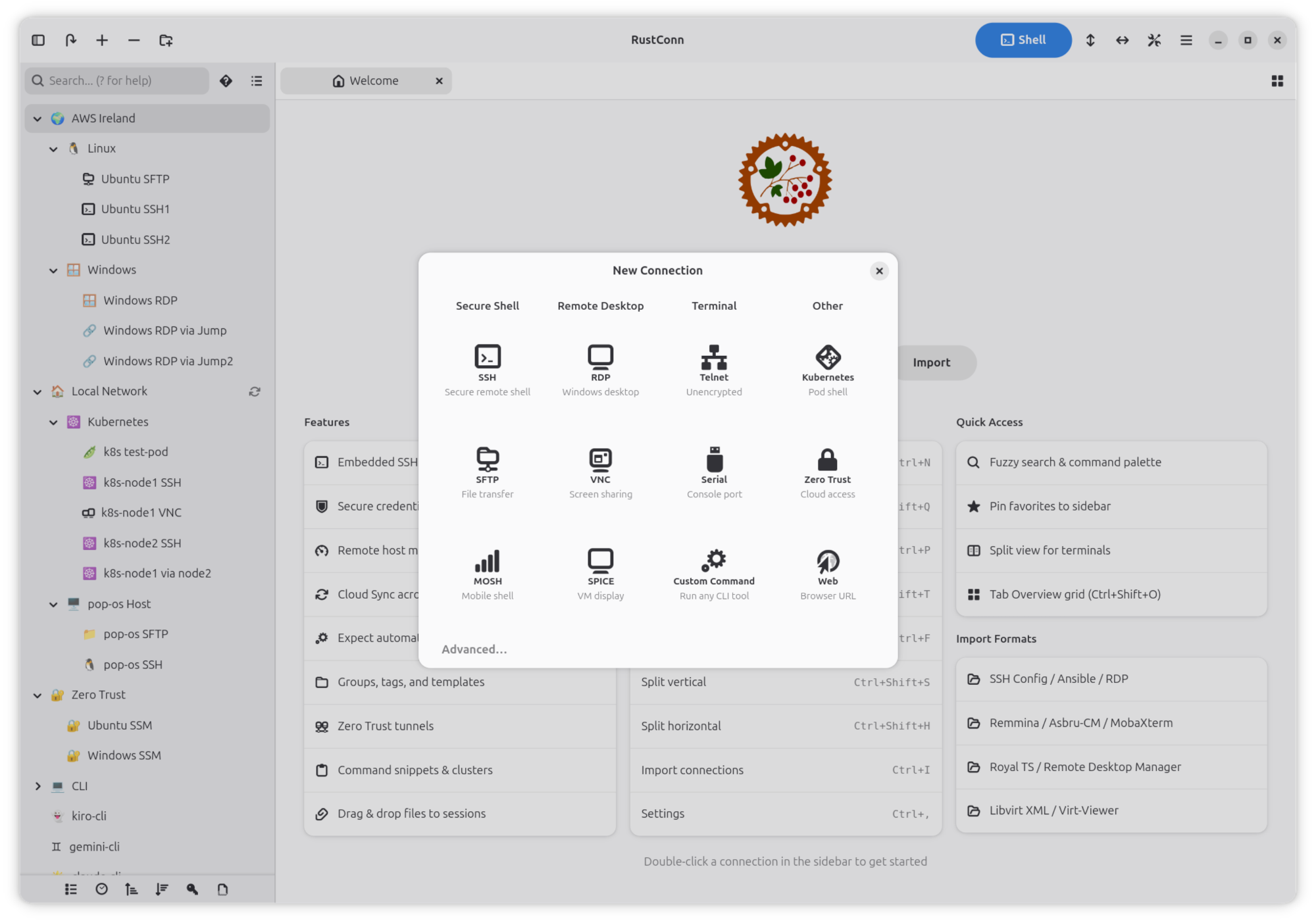
RustConn is built to handle nearly any connection protocol you throw at it. Whether you are accessing legacy hardware or modern cloud infrastructure, the application supports:
- Terminal Protocols: Secure Shell (SSH), MOSH, Telnet, Serial, and Kubernetes terminals equipped with scrollbars and font zoom.
- Graphical Sessions: Embedded RDP, VNC, and SPICE sessions with automated external client fallback when needed.
- Zero Trust Tunnels: Direct integrations with AWS SSM, GCP IAP, Azure Bastion, Cloudflare, Teleport, and Tailscale.
Advanced Automation and Security Features
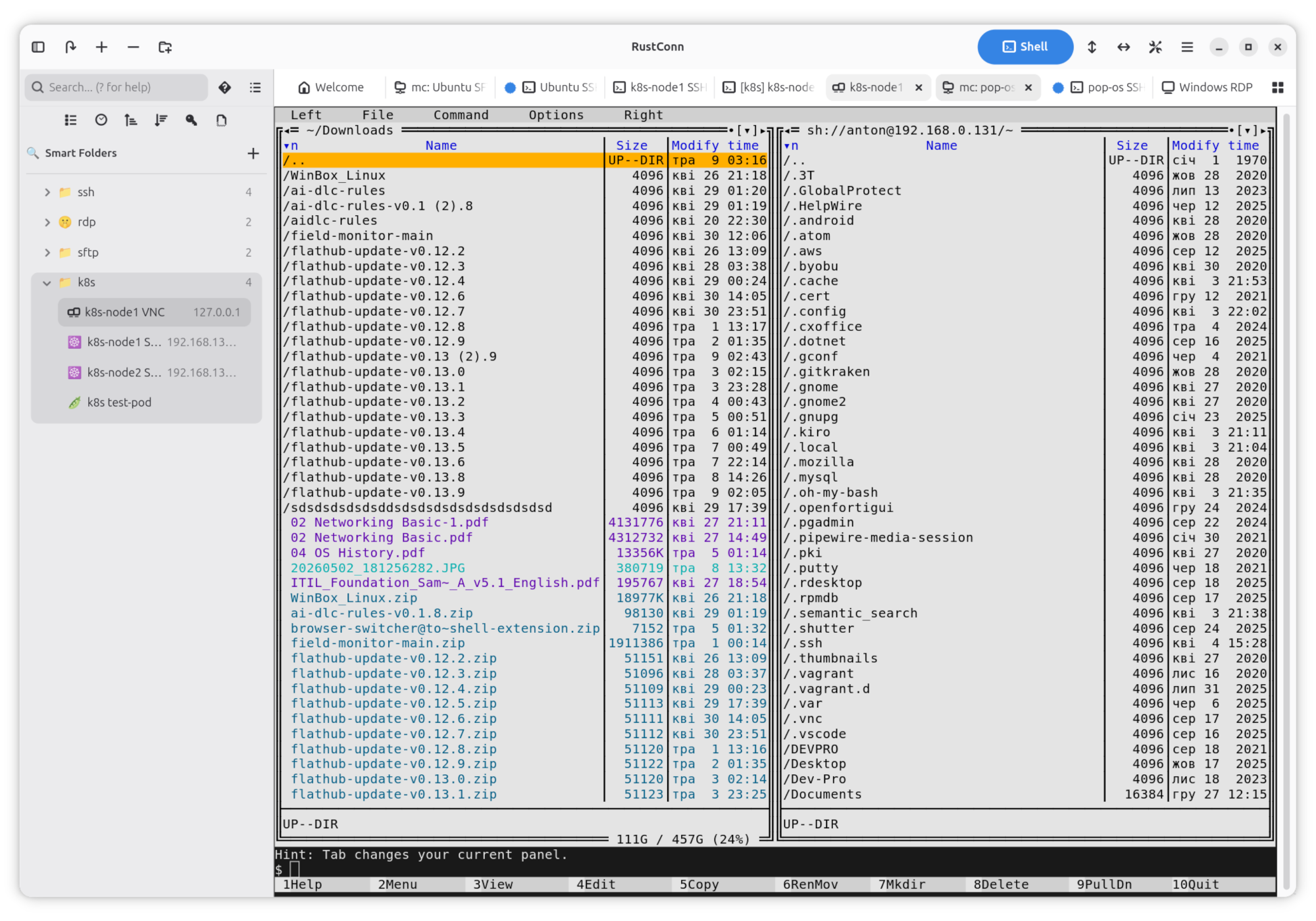
For power users, efficiency is paramount. RustConn includes split-terminal views, allowing you to run cluster commands across multiple sessions simultaneously. Task automation is simplified through expect scripts and customizable command snippets, reducing repetitive command-line entry. Additionally, an integrated SFTP file browser with split-panel navigation and remote host monitoring lets you transfer assets seamlessly during active sessions.
Security is handled with equal care. Rather than storing sensitive credentials insecurely, the RustConn Linux connection manager integrates directly with trusted credential managers such as KeePassXC, GNOME Keyring, Bitwarden, 1Password, Passbolt, and Pass. Your connection configurations can also be synchronized securely across devices using shared directories via Google Drive, Syncthing, Nextcloud, or Dropbox.
Seamless Migration Path
Transitioning to a new connection manager can be daunting, but developer Anton Isaiev has built-in comprehensive import tools. You can easily migrate your existing configurations from Remmina, Asbru-CM, MobaXterm, Royal TS, standard SSH configs, Ansible inventories, CSV files, RDP files, or libvirt configurations, ensuring you are up and running in minutes.
Is RustConn Right for You?
If you are a Linux professional seeking a modern, dependency-free utility to centralize your remote administration tasks, this tool offers an unparalleled feature set. To explore its capabilities further or to integrate it into your daily workflow, head over to the official Flathub store page to get started with RustConn.
Rate the App
User Reviews












Popular Apps










Editor's Choice