

Latest Version
Microsoft Corporation
Windows
Free
9nrx63209r7b
Report a Problem
More About Outlook for Windows
A Reimagined Hub for Your Daily Communications
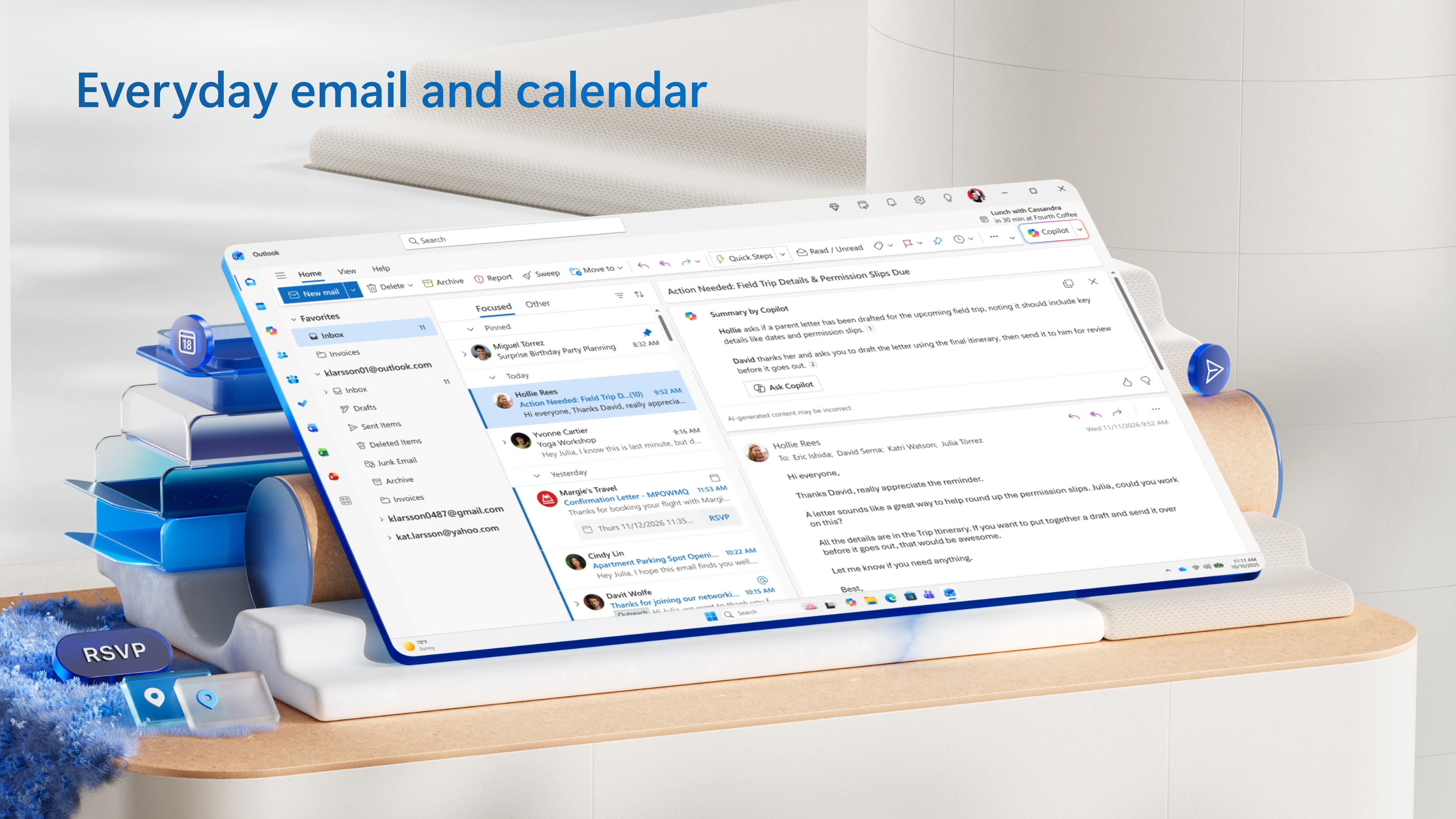
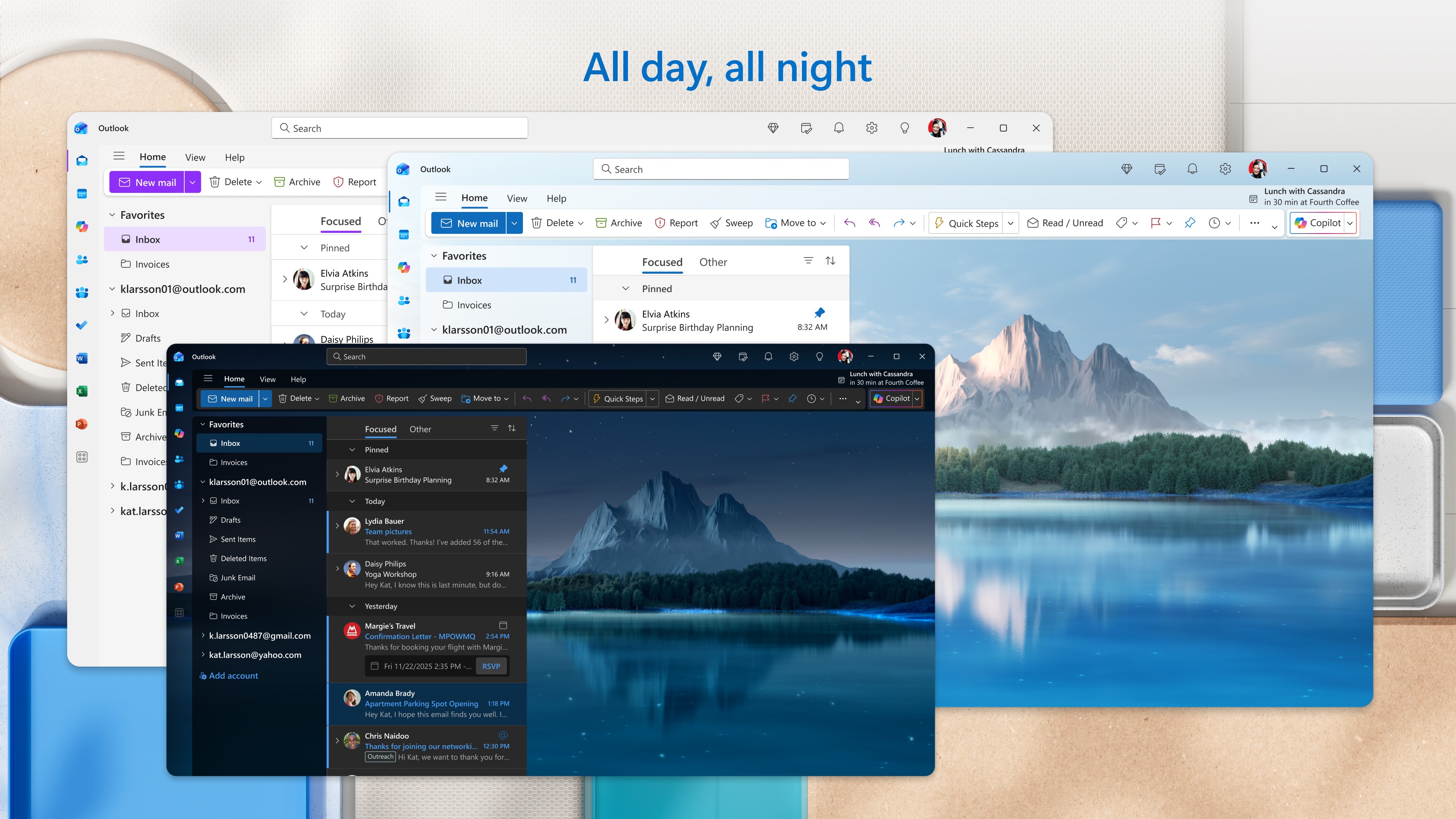
The Outlook for Windows email client has undergone a significant transformation, evolving into a unified workspace designed to bring order to your digital life. Rather than jumping between fragmented applications, users can now experience a streamlined interface that consolidates multiple email accounts and calendar schedules into a single, cohesive dashboard. Developed by Microsoft Corporation, this modern iteration is built to serve as a central communication cockpit for both personal and professional tasks.
Consolidated Inbox Management
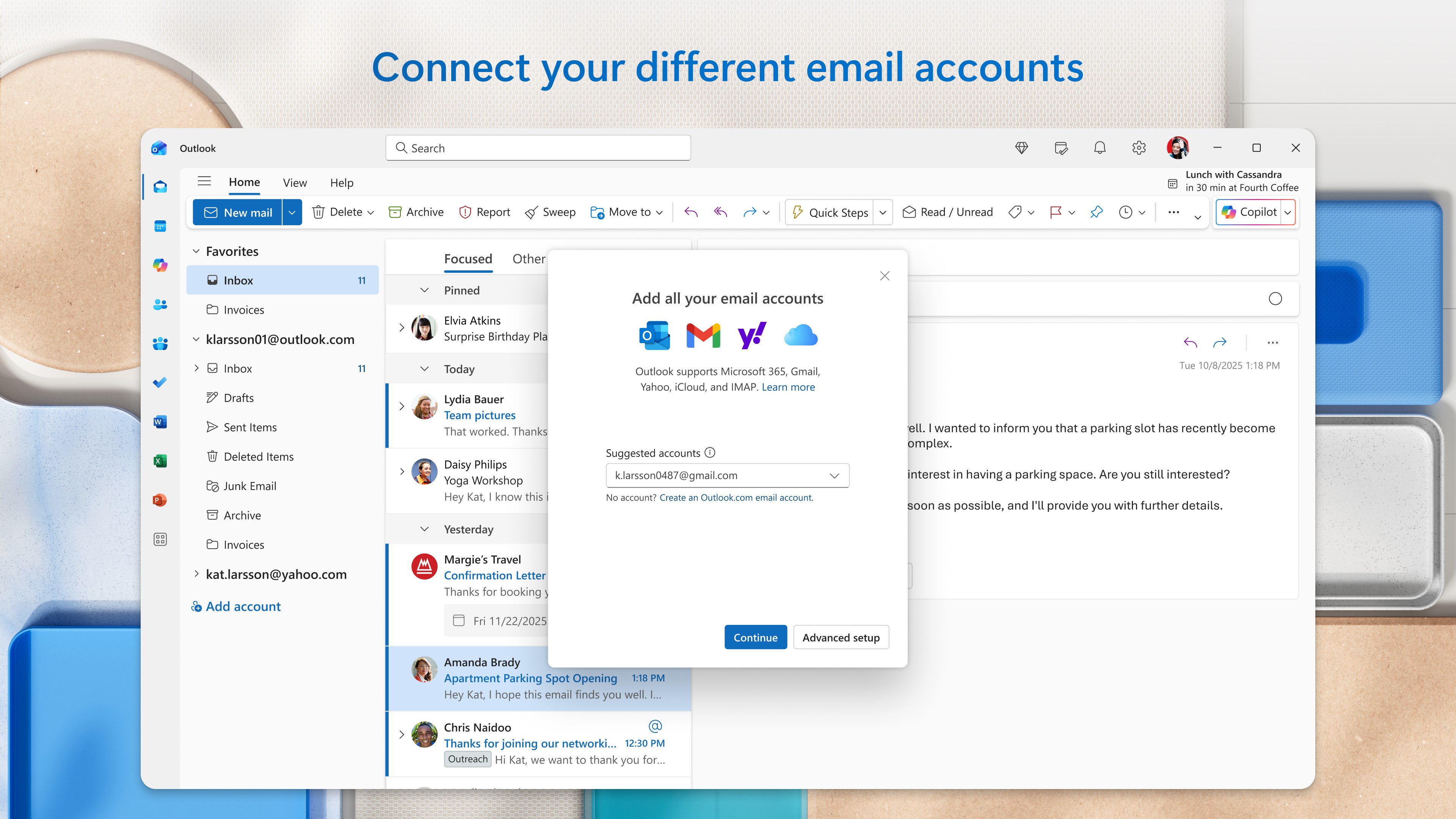
Managing multiple digital identities can be overwhelming. The strength of this application lies in its ability to coordinate diverse email ecosystems seamlessly. Whether you rely on Outlook.com, Gmail, Yahoo! Mail, or iCloud, you can monitor and switch between your various inboxes without losing momentum.
- Multi-Account Integration: Connect several email providers under one interface to view all messages or keep them distinctly separated.
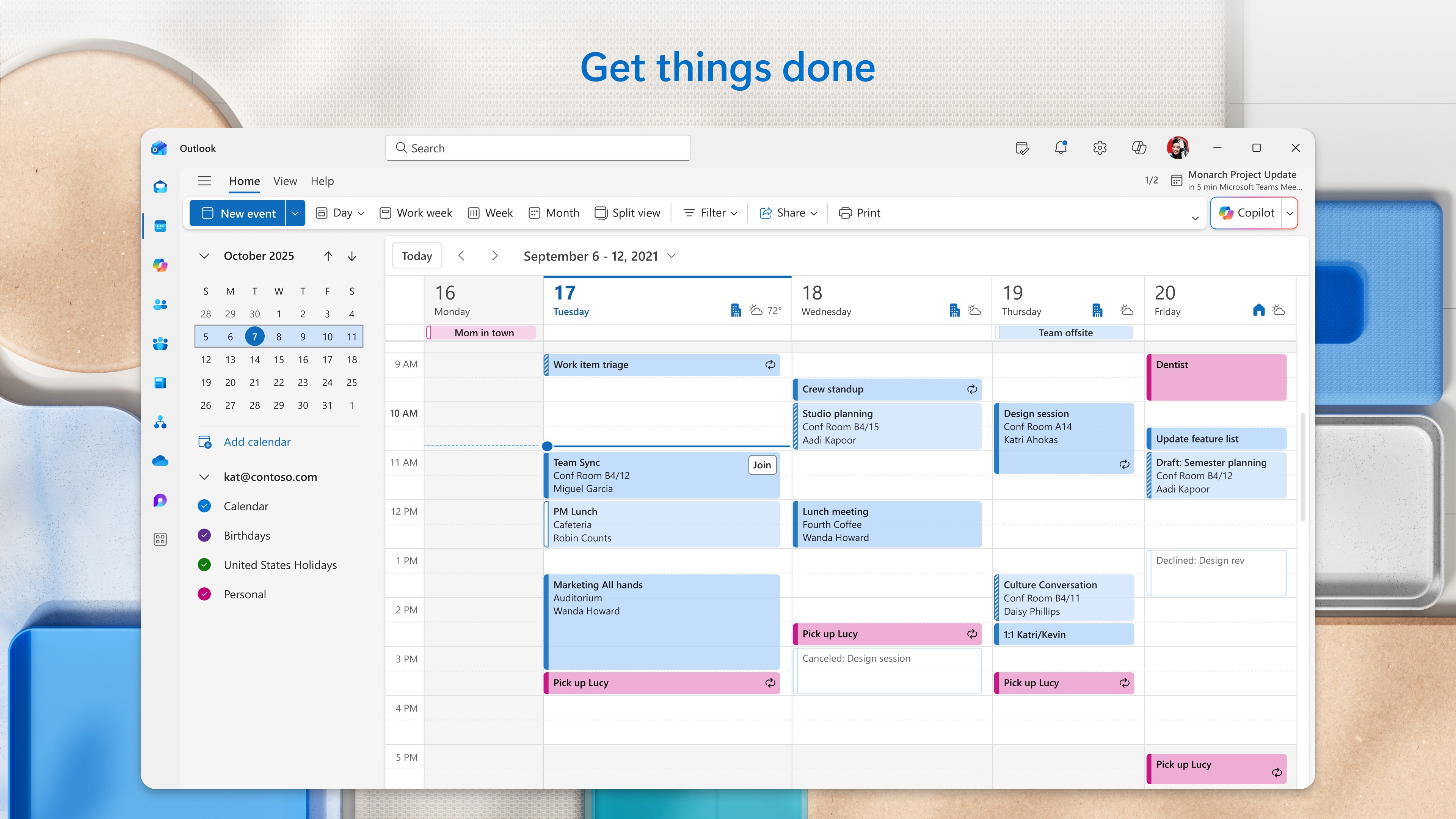
- Unified Calendaring: Overlay work schedules, personal appointments, and shared family calendars to prevent scheduling conflicts.
- Cloud Accessibility: Access your OneDrive files directly within your workspace to attach documents and photos instantly.
Intelligent Writing and Organization Tools
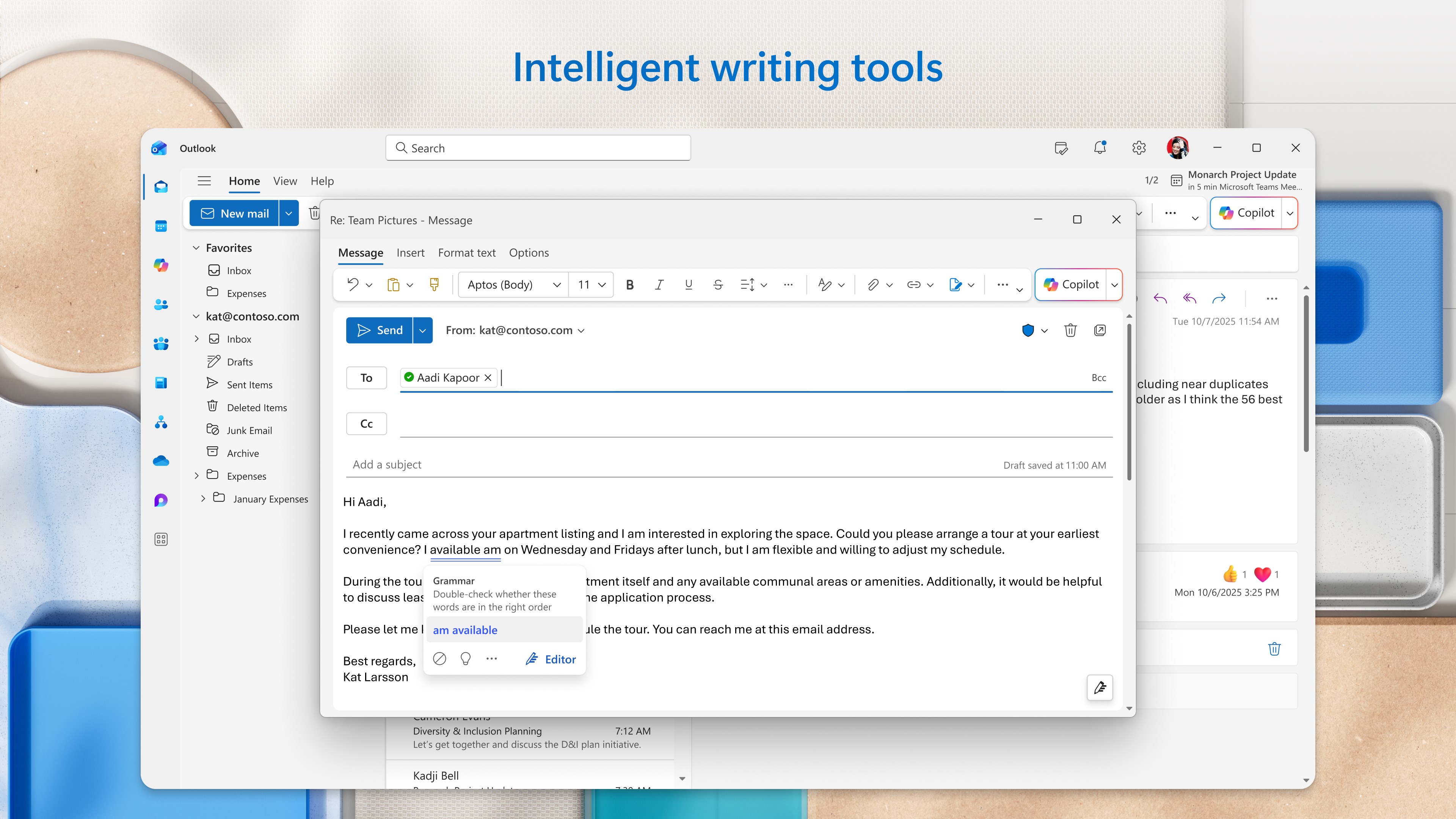
Drafting clear, professional correspondence is simplified with built-in assistance. The Outlook for Windows email client integrates intelligent spelling and grammar checks to ensure your communications remain polished. For those looking to optimize their daily workflow, the application offers advanced scheduling tools that let you draft emails and set them to send at precise times. Additionally, a ten-second undo-send buffer provides a crucial safety net for last-minute corrections.
Tailored to Your Visual Preferences
Recognizing that productivity is deeply personal, the interface offers extensive customization options. Users can select from over 50 distinct visual themes and fonts to match their aesthetic style. Furthermore, adjustable view configurations—ranging from roomy to compact layouts—allow you to control information density, while the ability to pin critical threads ensures important conversations always remain at the top of your inbox.
Is It Right for You?
If you are looking to replace outdated default mail programs with a modern, feature-rich alternative, this tool offers a highly capable environment. It serves as an excellent upgrade for anyone seeking robust organization, smart writing assistance, and multi-account coordination in a single desktop space. To explore its features firsthand and elevate your daily productivity, visit the official Microsoft Store to acquire the application for your device.
Rate the App
User Reviews












Popular Apps










Editor's Choice