

Latest Version
Letter Opener GmbH
Windows
Free
9wzdncrdjz8j
Report a Problem
More About Letter Opener - Winmail, MSG, EML Viewer
The Ultimate Cure for the Dreaded Winmail.dat Attachment
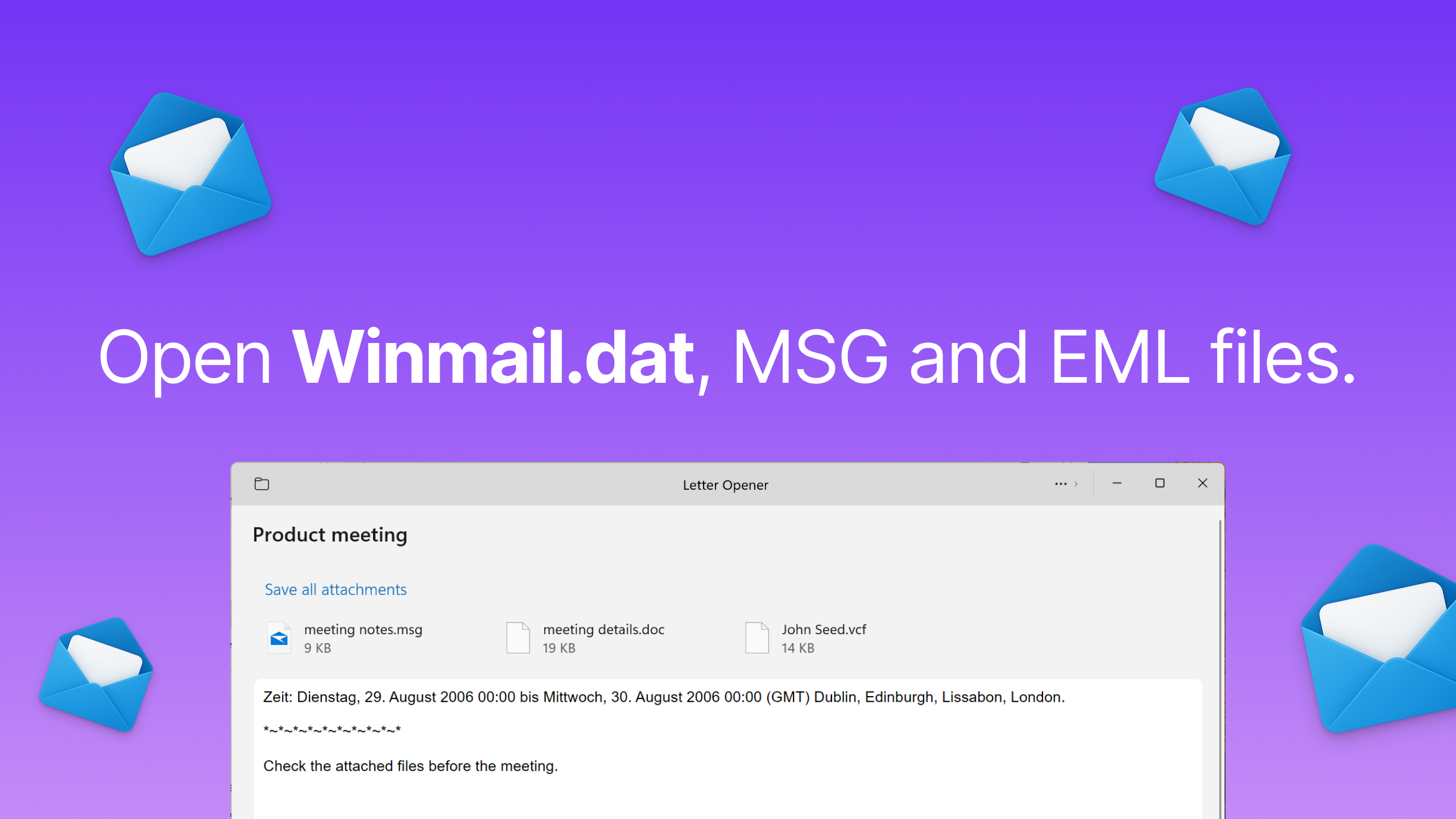
If you have ever received an email with a mysterious Winmail, MSG, EML Viewer - Letter Opener attachment that your default mail client refuses to open, you are not alone. This common headache occurs when Microsoft Outlook users send messages containing rich text or attachments. Thankfully, the Winmail, MSG, EML Viewer - Letter Opener app for Windows provides a reliable, elegant, and incredibly straightforward solution to this persistent communication barrier.
Developed by Letter Opener GmbH, this utility acts as a seamless translator for proprietary Microsoft formats. Instead of asking senders to reconfigure their email settings, you can open and extract files instantly, keeping your workflow completely uninterrupted.
Key Features of Letter Opener
This software is specifically engineered to handle the email formats that standard non-Outlook clients struggle with. Here is what makes it stand out:
- Seamless Winmail.dat Conversion: Instantly converts and displays the hidden contents of frustrating winmail.dat files.
- Multi-Format Support: Easily view .MSG and .EML files, ensuring you can read archived emails or single-message exports with ease.
- Modern Windows Interface: Designed specifically for the Windows platform, featuring a clean, intuitive, and highly responsive user interface.
- Effortless Attachment Extraction: Access nested documents, images, and PDF attachments contained within Outlook-specific files without formatting errors.
Who is This App For?
The Winmail, MSG, EML Viewer - Letter Opener is an essential tool for professionals, freelancers, and everyday users who do not use Outlook but regularly communicate with clients, partners, or institutions that do. If you rely on native Windows Mail or alternative email clients, having this viewer installed ensures you will never have to ask a contact to resend an unreadable attachment.
An Editorial Perspective
In our review of modern email utilities, Letter Opener stands out because it solves a singular, highly frustrating problem without unnecessary bloat. It does not try to replace your email client; instead, it serves as a highly specialized helper application that runs smoothly when you need it most. The interface is clean, free of confusing configurations, and highly accessible for users of all technical levels.
Access the App
If you are ready to eliminate email attachment compatibility issues once and for all, you can learn more about this utility and acquire it directly from the official Microsoft Store. Head over to the official distribution platform to get started with the Winmail, MSG, EML Viewer - Letter Opener on the Microsoft Store.
Rate the App
User Reviews












Popular Apps










Editor's Choice